For Members
More connected to the stores you love.
One account for the shops you choose. Each shop stays its own place, with its own collections and its own benefits.
Find a store, or scan its QR
Search participating stores, or scan the code at the counter. Scanning opens the shop. It does not sign you up for anything.
Explore collections and details
Browse what each shop has published, and open a product for its details.
See that store's benefits
Points, coupons and paid vouchers are separate, and each belongs to one shop. They are never added together across shops. A shop decides what it offers, so not every shop has all three.
Come back to your shops
Shops you connect to stay in the member app, in your browser or installed. Connecting a shop turns on its promotions. You can turn that shop off under Notifications.
Sign in with a code sent to your mobile. New and returning members use the same step.


- Lakshmi Silks
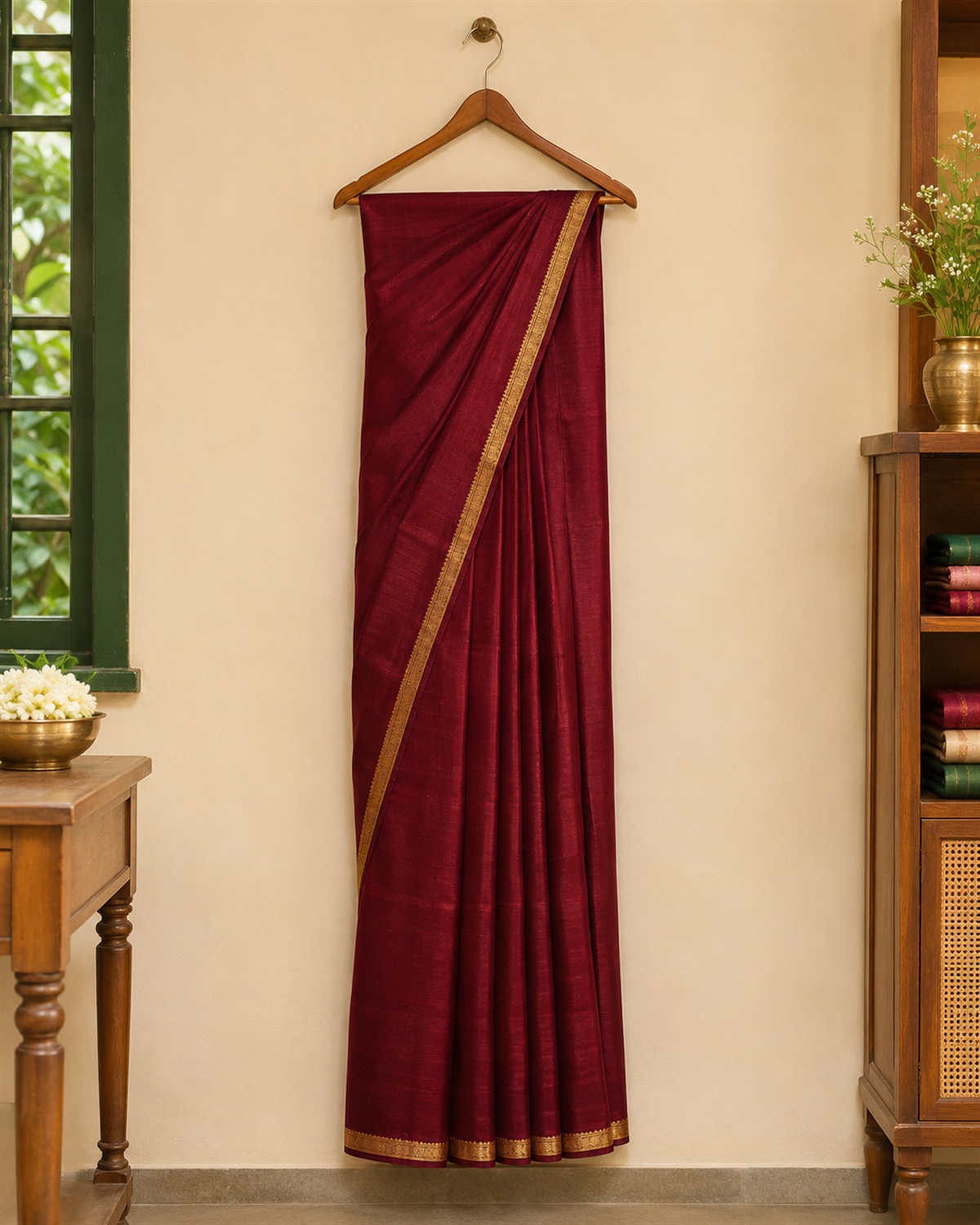
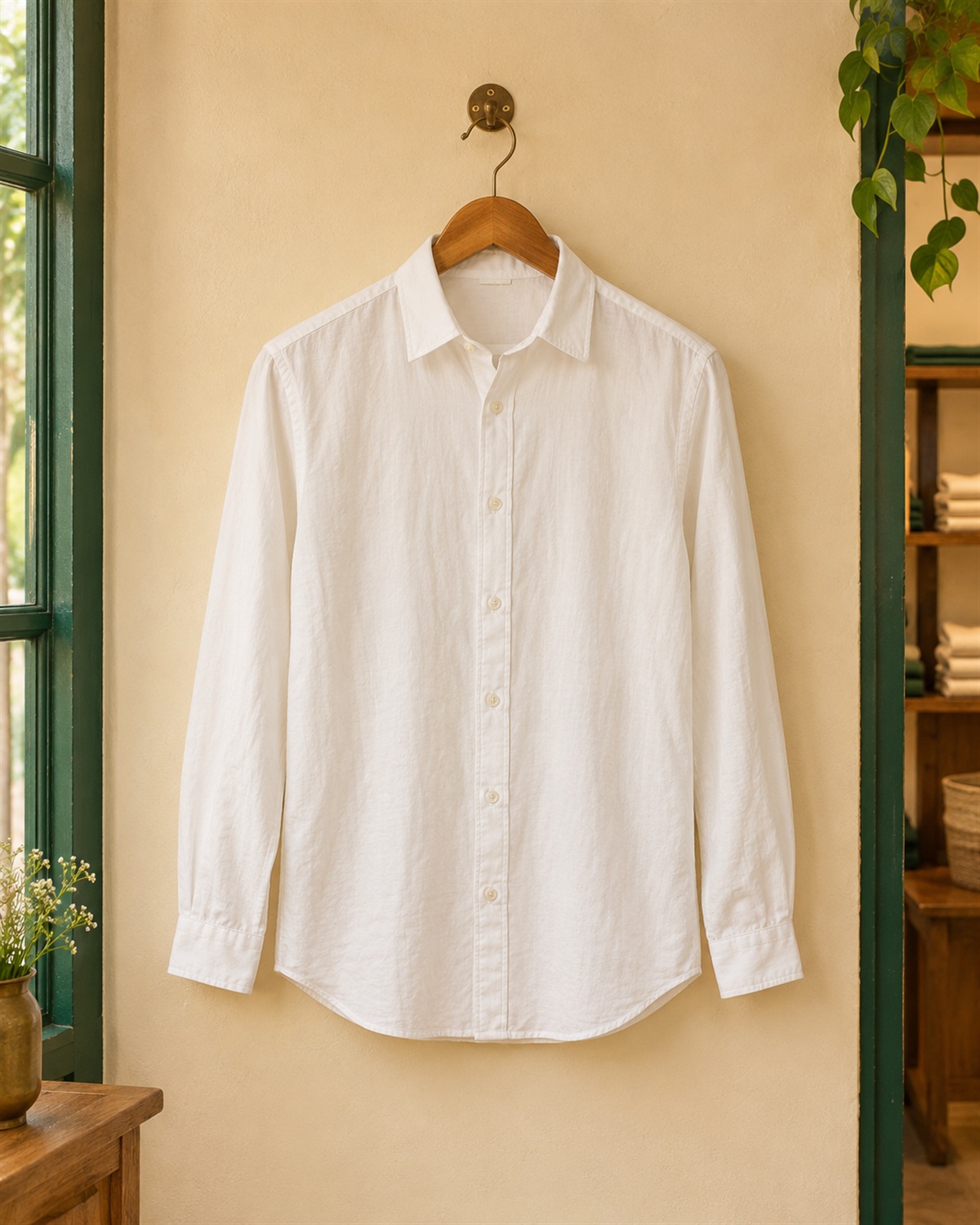
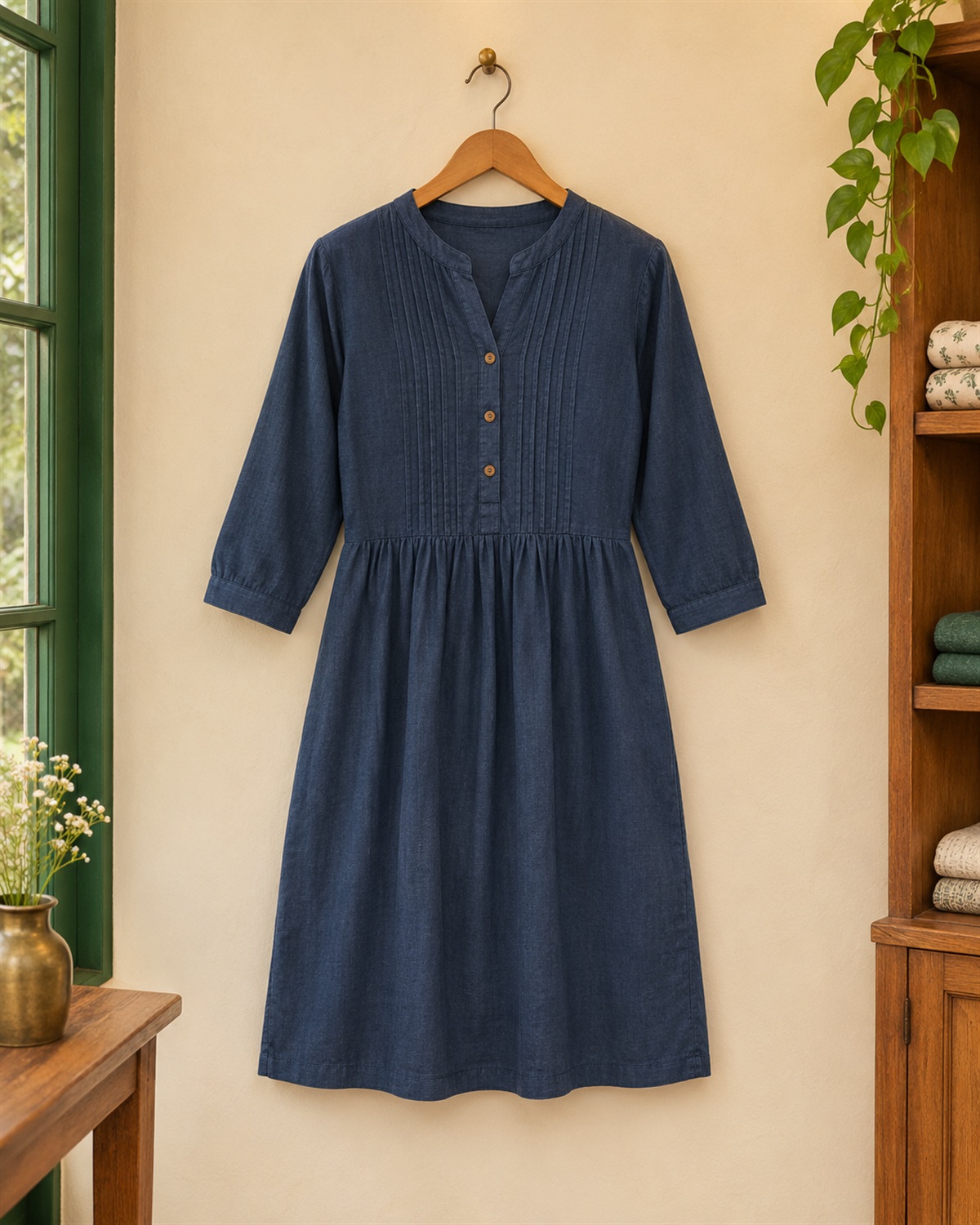
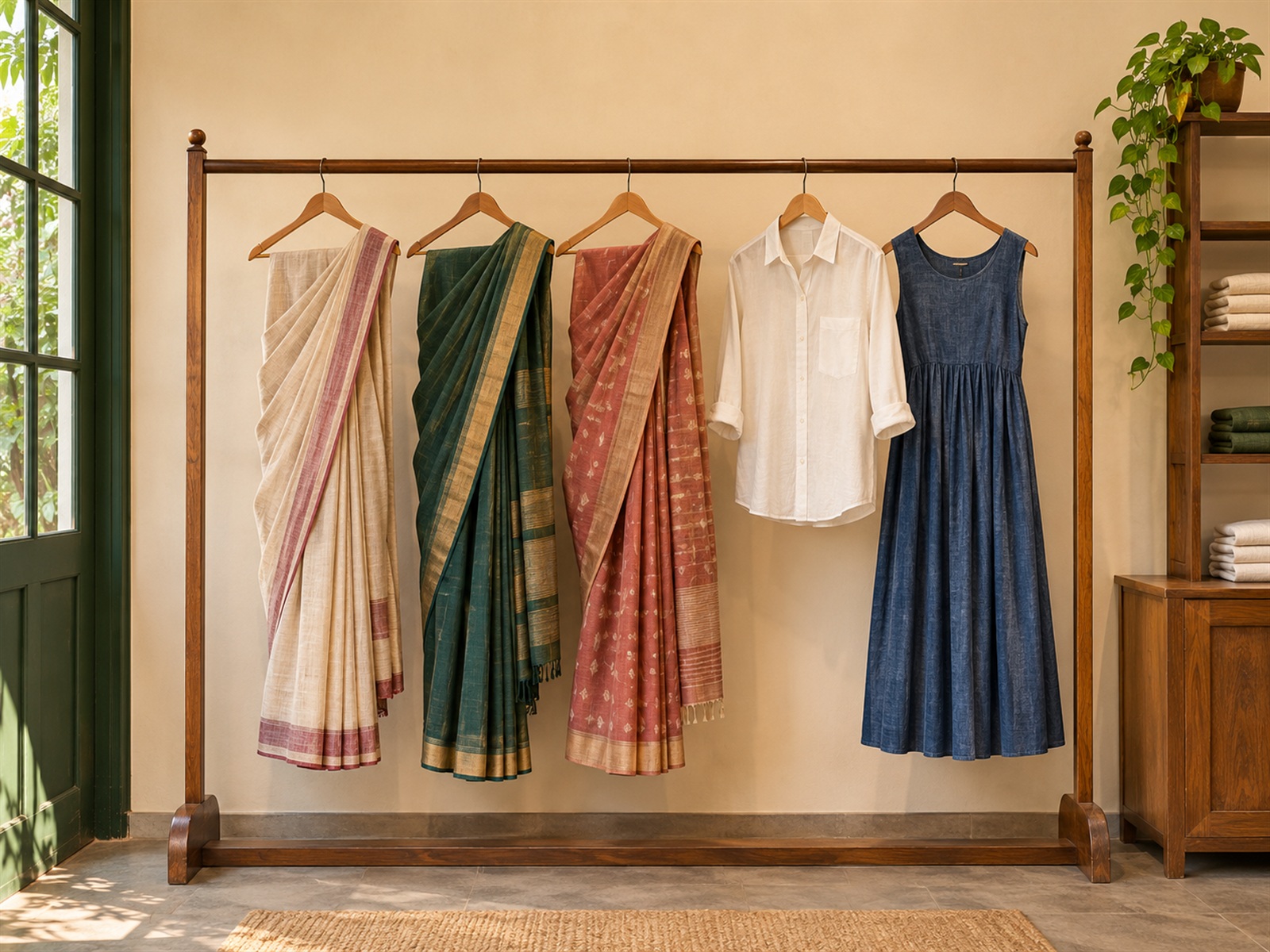
Benefits at this shop
- PointsEarned and used at this shop
- CouponsA discount, with its conditions shown
- Paid vouchersValue you bought, where offered
Sign in to view
- Lakshmi Silks
Questions
How do I become a member?
Enter your mobile number, and confirm it with the code we send. New and returning members use the same step, and creating an account is free.
Does joining connect me to every shop?
No. Your account connects you to no shop by itself. You choose the shops you connect to, and scanning a shop's code only opens that shop.
Can I use one shop's benefits at another?
No. Points, coupons and paid vouchers each belong to the shop they came from, and are never added together. A shop decides what it offers, so not every shop has all three.
Will shops send me promotions?
A connected shop's promotions are on. You can turn that shop off under Notifications. Messages you agree to appear in your inbox in the member app.
Do I have to install an app?
No. Everything works in your browser. Installing puts Quanto Club on your home screen and asks this device to show notifications.