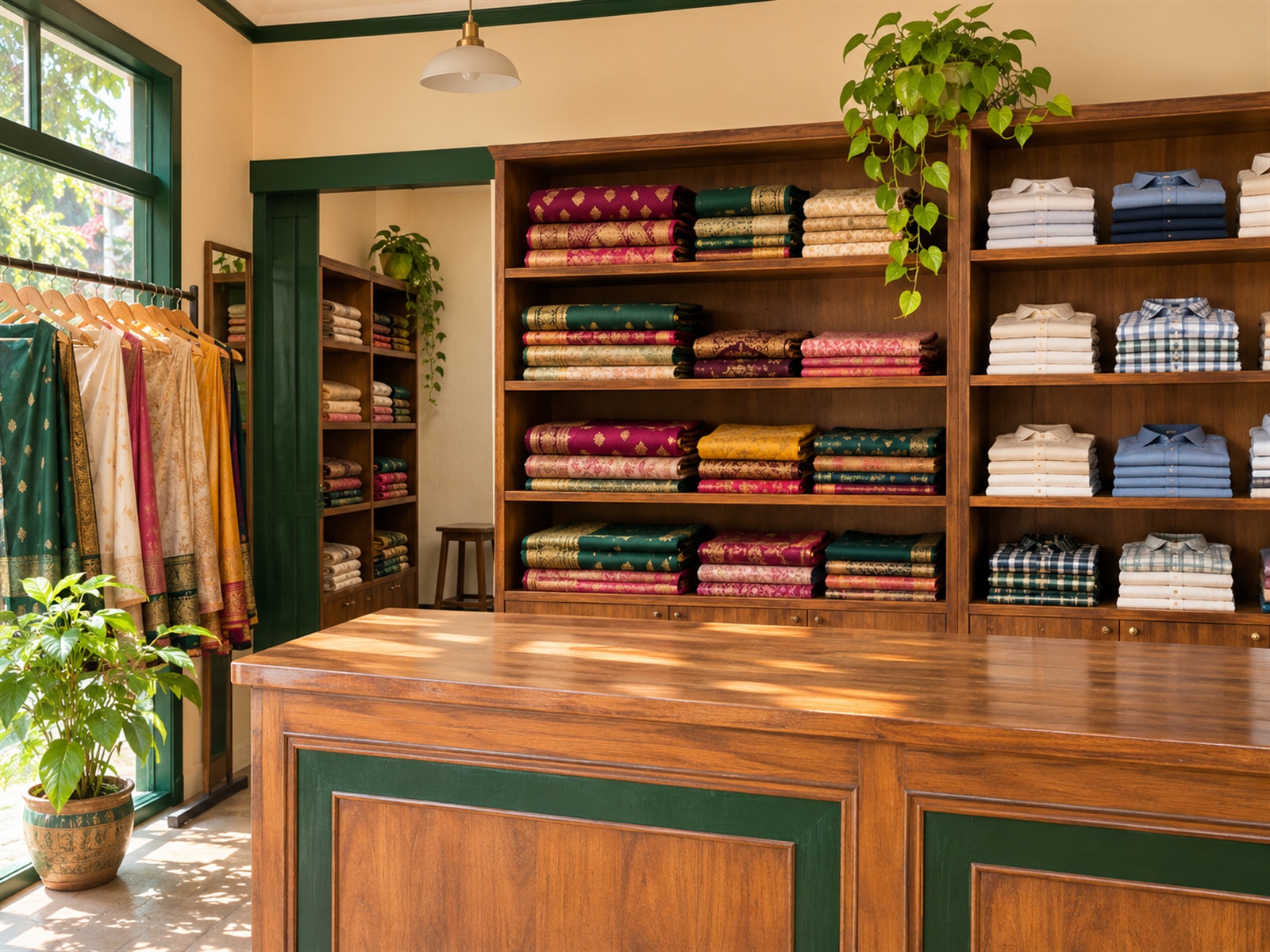
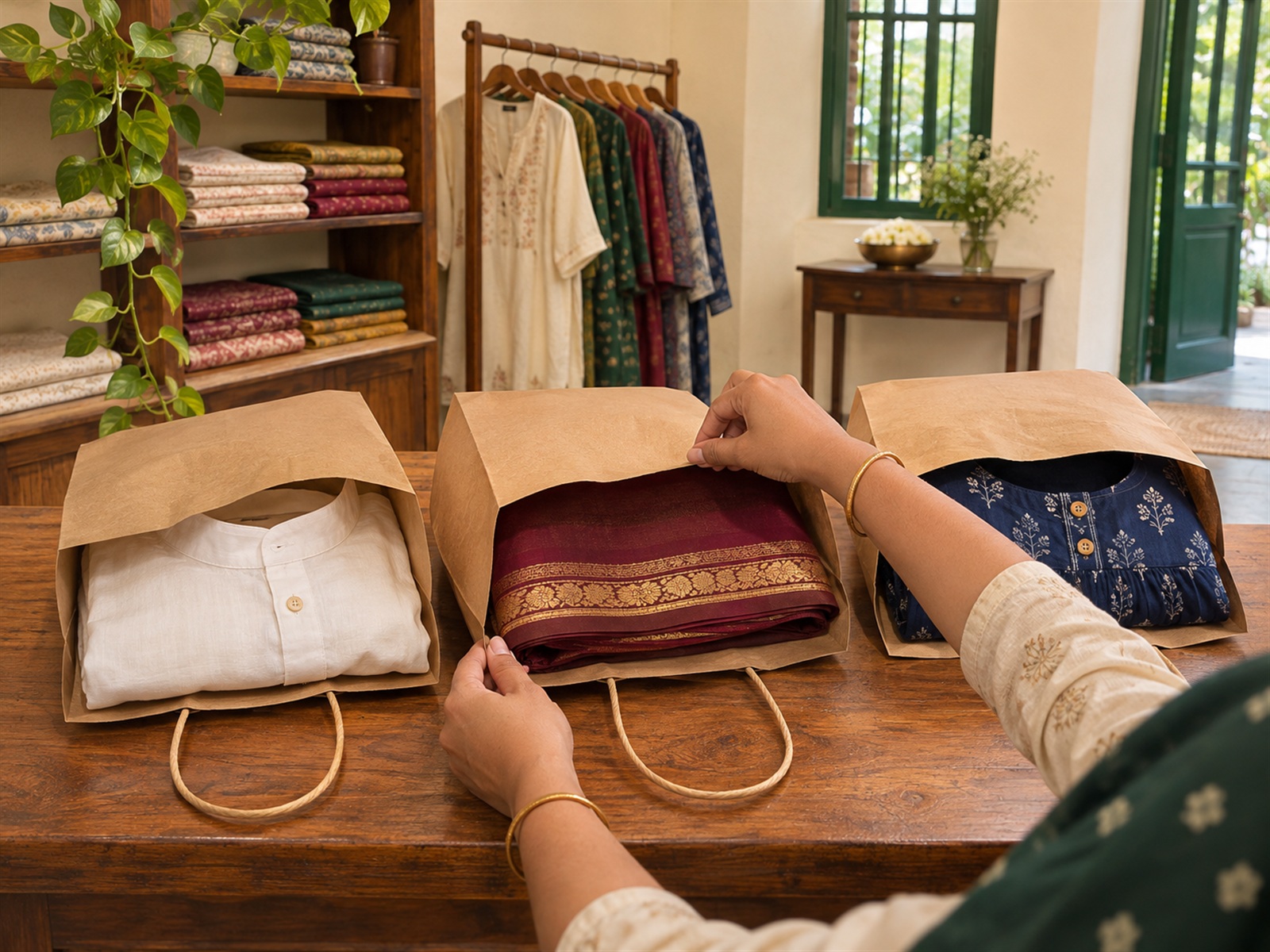
Your shop. Your brand. Your customers. Connected with Quanto Club.

Your shop is already running. Let Quanto Club help it grow digitally.

Showcase your products, connect with customers, receive orders, promote offers and manage your digital shop — all through one retailer platform.

An illustration of a clothing shop. It does not promise that sales will grow.

  1. Physical shop
  2. Customer
  3. Smartphone
  4. Digital storefront
  5. Order
  6. Shop pickup
Illustrative preview. Not a real shop or real photography.

You work hard to bring customers into your shop. What happens after they leave?

  • Customers forget your shop

    A customer buys something and leaves. Without a continuing connection, they may not remember your store next time.

  • New arrivals go unnoticed

    New garments and collections arrive, but previous customers may never hear what is now in the shop.

  • Your offers have limited reach

    A promotion can only help when a shopper can find it. A notice inside the shop reaches the people who are already there.

  • Your shop is difficult to discover online

    The neighbourhood may know you well. Someone searching on a phone may still not see what you sell.

Will this customer remember your shop next time?

Quanto Club is a way to keep that relationship going on the customer's phone, after the visit.

Four ways a shop stays connected

Each story follows a real retailer screen. Nothing here promises a larger turnover.

Story 1

From your shop to your customer's phone

Give your physical shop a digital identity. Customers can open your storefront, look at products and connect with the shop.

Your shop stays discoverable after the customer has left.

Uses the storefront and QR code, the microsite, products and the shop's own branding.

Example address only: lakshmisilks.quantodomain.com. Illustrative preview. Not a real shop or real photography.
  1. A clothing shop
  2. A QR code at the counter
  3. The customer scans it
  4. The shop page opens
  5. Products and collections

Story 2

New stock arrived? Put it on your shop page in a few steps.

Photograph the arrival, scan or type the barcode, choose the standard product and complete the sizes, colours and MRP. The arrival shows on the shop page. Publishing a product for sale, with variants and stock, is a separate step.

Customers can see what just arrived, without a separate website.

  1. 1The working branch is the one chosen in the retailer header
  2. 2Take photos, from the camera or from the phone
  3. 3Scan the barcode, or type it
  4. 4Choose the standard product
  5. 5Complete sizes, colours and MRP
  6. 6The arrival appears on the shop page

Story 3

Customers browse. Your shop receives orders.

A published product can be ordered for pickup. The retailer portal shows the order and the next status.

Digital interest becomes a clear pickup list for the shop.

Pickup at the shop. This does not add home delivery or card payment.

  1. Customer browses on a phone
  2. Customer places an order
  3. Awaiting preparation
  4. Preparing
  5. Ready for pickup
  6. Customer collects it. Handed over.

Story 4

One purchase can start a lasting customer relationship

A customer who connects can see the shop's offers, send a message and come back when something new is published.

More chances to meet the same customer again. Not a guarantee of another sale.

Messages are replies you send. They are not automatic campaigns. Games and push messages are on only when that shop's option is on.

  1. The customer buys in the shop
  2. They connect from the storefront or QR code
  3. They see the shop's offers
  4. They message the shop, and the shop replies
  5. They can visit again

Everything your shop needs to stay connected and organized

  • Your shop, online

    Show products, collections and shop information on a storefront in your shop's name.

  • Show what's new

    Add photos, a barcode and the details of a new arrival.

  • Manage every order clearly

    Follow a pickup order from preparation to handover.

  • Know your connected customers

    See the customers who connected with this shop, and the relationship this shop holds.

  • Stay in touch

    Read and reply to customer messages in the retailer portal.

  • Promote special deals

    Create the offers this shop wants shoppers to find.

  • Make a visit more interesting

    A shop can offer a wheel, a reveal, a memory match or a short quiz. A published wheel or reveal can give a coupon that shop prepared.

  • One scan to your shop

    Share the storefront with a QR code. A code can name one branch.

  • Build your shop's page

    The microsite presents the shop in its own words, colours and pictures.

  • Work together as a team

    The owner adds people, with a role and the locations they cover.

  • Stay in control

    Some actions, such as a refund, can wait for another person on the team to approve.

  • More than one location

    Choose the branch you are working in, or every branch. Stock stays on the product variant. It is not synced between branches by itself.

Your shop, at a glance

See your products, orders, customers and next actions in one place.

Sample preview. These numbers are not a live shop.

Overview

Sample overview
  • 24Published products
  • 3Draft products
  • 5Orders to fulfil
  • 18Customers
  • 2Customer messages
  • 4Active QR codes

These counts are a sample. On the retailer overview they sit beside the work that is still waiting.

  • Prepare the orders that are waiting
  • Reply to the customer messages
  • Publish a draft when it is ready

Products

Sample products
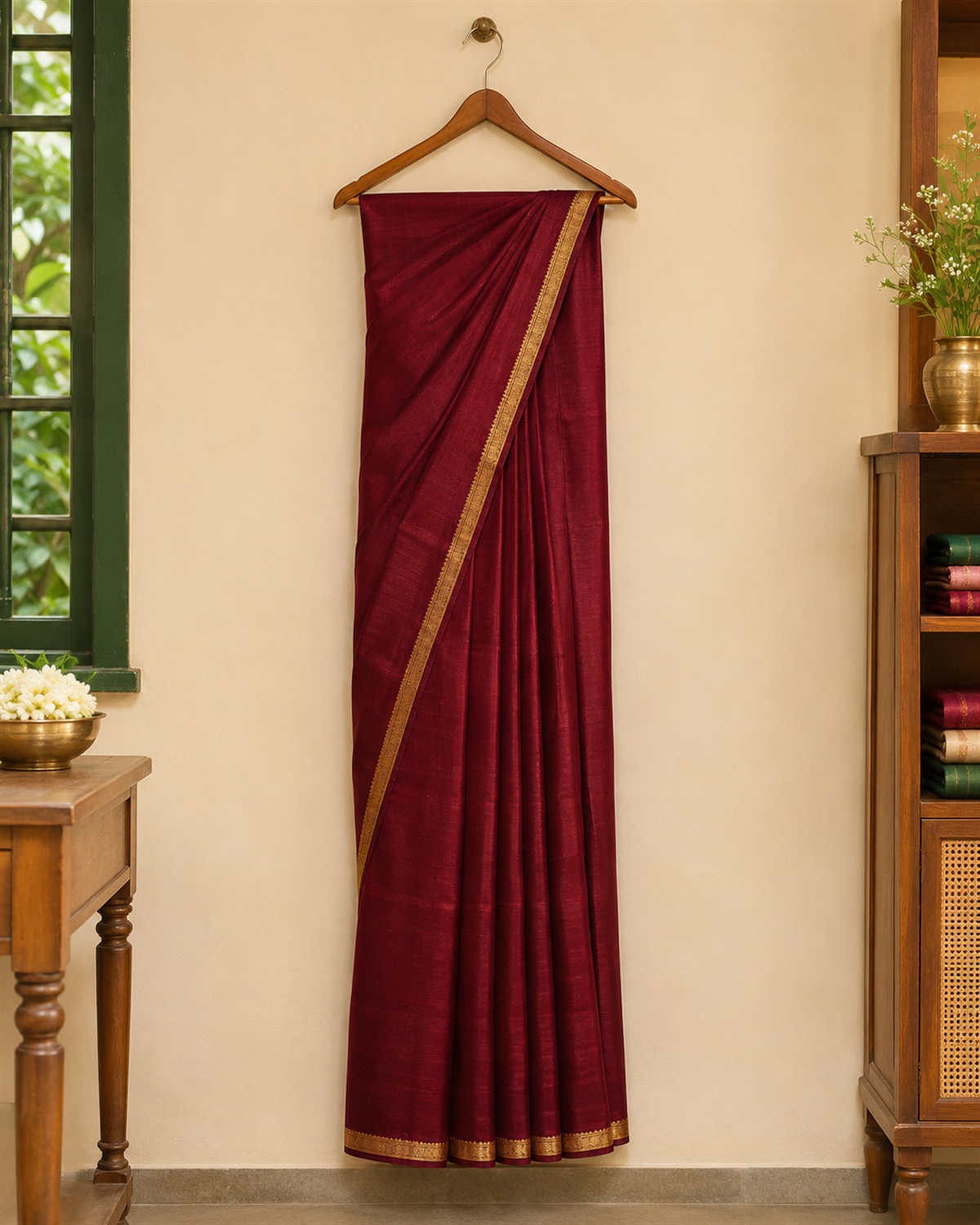
  • Sample sareeShown on the shop
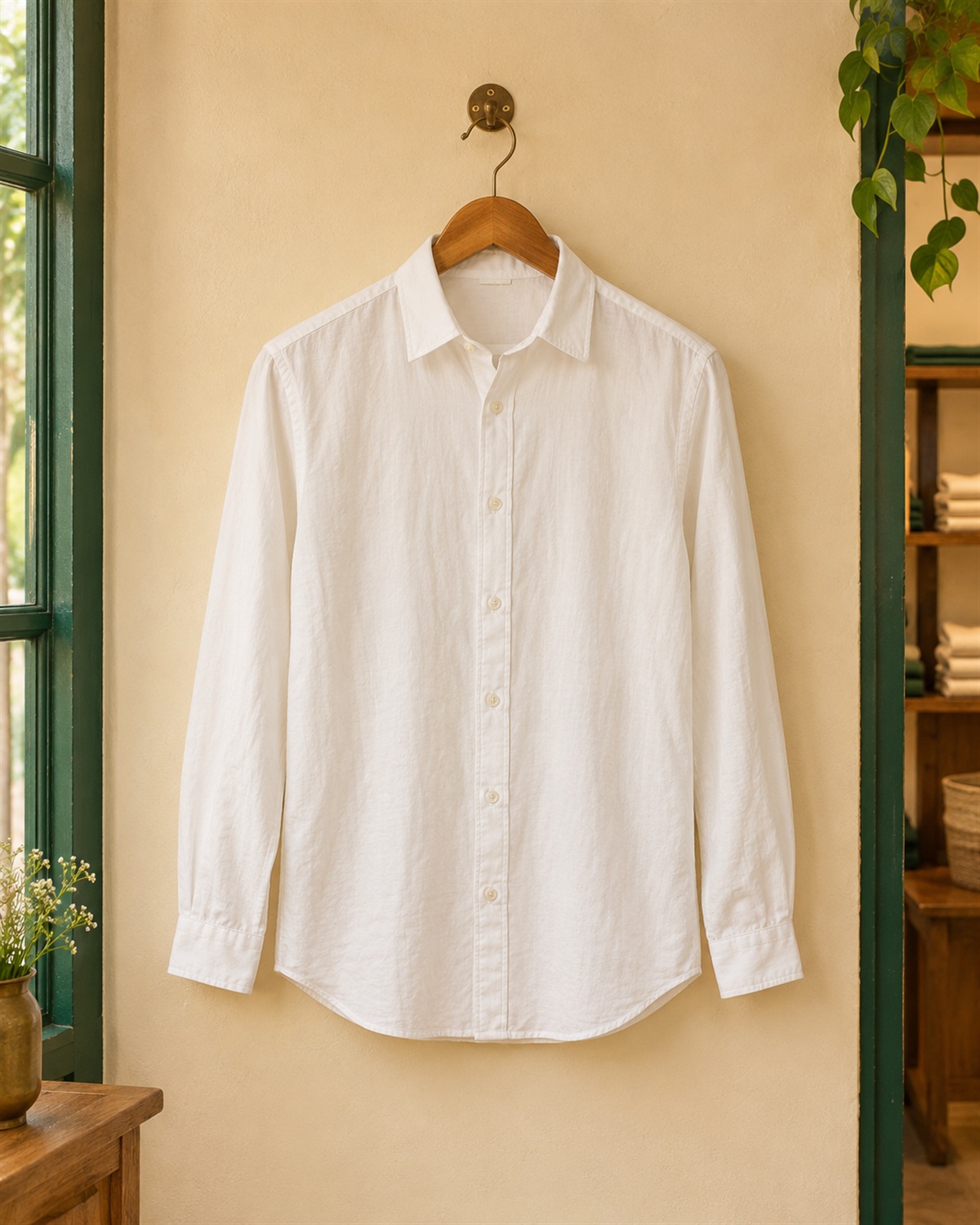
  • Sample shirtShown on the shop
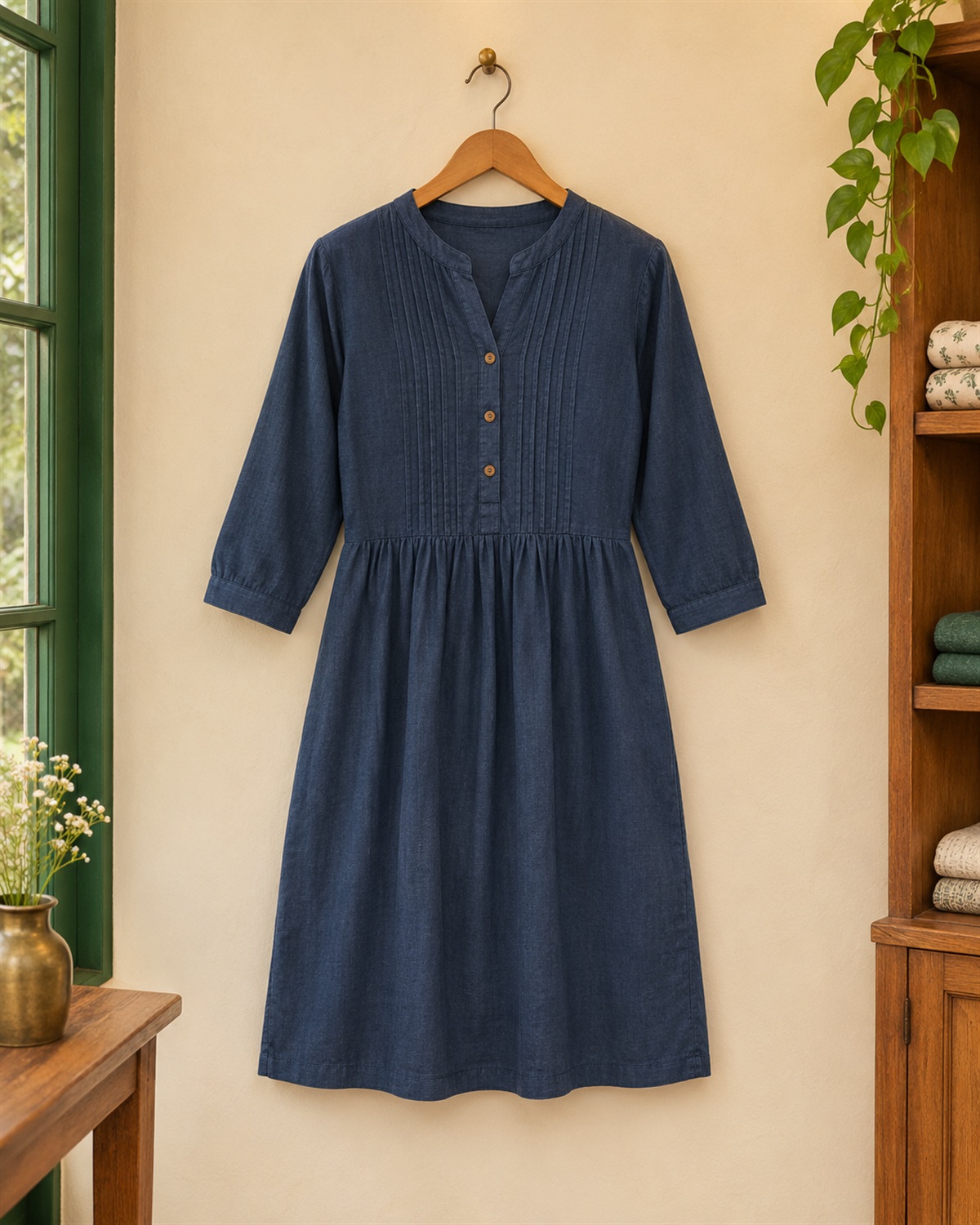
  • Sample dressShown on the shop

Each picture is a sample. A published product can be ordered for pickup. A new arrival can show on the shop before it is a product someone can buy.

Size, colour and the stock you type stay on the variant.

Orders

Sample orders
  1. Sample shirtAwaiting preparation
  2. Sample sareePreparing
  3. Sample dressReady for pickup
  4. Sample dressCustomer collects it. Handed over.

A pickup order moves from awaiting preparation, to preparing, to ready for pickup, then handed over. There is no home delivery and no card payment.

Customers

Sample customers
  • Sample memberCustomers
  • Sample memberCustomer messages

Connected customers for this shop. The public page never shows a real customer's name or number.

Only people who connected with this shop. Filter by last purchase, a stretch with no purchase, or a birth date. The street, phone and portrait stay off this list.

Storefront and QR

Sample storefront

The storefront address and its QR code. Scanning opens the shop. It does not sign anyone up.

The address below is an example. A QR code can name one branch. Scanning opens that shop. It does not sign anyone in.

Example address only: lakshmisilks.quantodomain.com. Illustrative preview. Not a real shop or real photography.
Your shop before and after going digital

Without Quanto Club

  • Customers may forget the shop.
  • Products are found mainly by walking in.
  • New arrivals have little digital reach.
  • Promotions stay on the channels you already use.
  • The relationship can end at the till.
  • Orders may live in a separate notebook or system.

With Quanto Club

  • Customers can open the digital storefront.
  • Products and new arrivals can be shown online.
  • Offers are easier to find.
  • Customers can connect with the shop.
  • Pickup orders can be managed in the retailer portal.
  • Products, orders and customer activity sit in one place.

Imagine you own a clothing store in Chennai

An illustrative example. Not a real shop.

  1. 1

    A new collection arrives

    Shirts, sarees and dresses come in. The shop photographs them and adds them on Quanto Club.

  2. 2

    Products become discoverable

    The collection appears on the shop's digital storefront, where a customer can look through it.

  3. 3

    A customer places an order

    A shopper finds a published product and places a pickup order.

  4. 4

    The shop prepares it

    The order appears for the shop. The team prepares it and marks it ready for pickup.

  5. 5

    The relationship continues

    The customer stays connected and can see a later collection or offer.

The first purchase is one sale. A continuing relationship is a chance of another. Not a promise.

Start your shop's digital journey

  1. Register your shop

    Use the form on this page. A code goes to your mobile, then you choose the email and password for sign-in.

  2. Set up the storefront

    Add the shop details, branding, branches and products that the retailer portal supports.

  3. Publish and share

    Publish products, share the storefront QR code and start with the customers who connect.

Questions

What is Quanto Club?

Quanto Club connects a physical shop with the people who buy there. Shoppers can find the shop and see what it publishes. Where the shop sells that way, a member can place a pickup order. The shop keeps its own name, page and customers.

Why should my retail shop join?

So customers can still find the shop, its new arrivals and its offers after they leave. It is a digital shop front and a retailer workspace, not another billing program.

Can a small shop use Quanto Club?

Yes. Every shop uses the same enrollment form. Buyers cannot see the shop until a super admin approves it.

Do I need an existing website?

No. Quanto Club gives the shop its own storefront and a QR code that opens it.

Can I add products using my mobile phone?

Yes. The retailer portal can open the camera, so a new arrival or a product can be photographed from a phone.

Can I scan product barcodes?

Yes. A new arrival and a product can take a barcode from the camera or from typing.

Can customers place orders?

A signed-in member can place a pickup order for a product the shop has published. Home delivery and online card payment are not part of this.

How does shop pickup work?

The order moves through Awaiting preparation, Preparing and Ready for pickup. When the customer collects it, the shop marks it Handed over.

Can I manage multiple branches?

Yes. The retailer header chooses the branch you are working in, or every branch. A QR code can name one branch. Stock is a number on each product variant. It is not synced between branches, or from billing software, on its own.

Can my employees use the merchant portal?

Yes. The owner adds a person with a name, email, password, mobile number, role and the locations they cover. Each person sees only what that role allows.

How do customer messages work?

A connected customer can send a message, and the shop replies in Customer messages. Those messages are not sent automatically. A wider campaign is a separate option that a super admin turns on for that shop.

What are Quanto Club offers and games?

An offer is a promotion the shop creates. Games, when that shop's Games option is on, can be a wheel, a reveal, a memory match or a short quiz. A published wheel or reveal can give a coupon the shop prepared. Not every shop has games.

Do I need to replace my existing billing software?

No. You can enroll without replacing it. A connection to billing or stock software is arranged separately and is not automatic.

What does Quanto Club cost?

No price is published on this page, and the enrollment form does not take a payment. Any charge is agreed outside this form.

How do I register?

Use Register your shop on this page. We send a code to your mobile. Then choose the email and password you will sign in with. Buyers cannot see the shop until a super admin approves it. Later, sign in on the retailer portal.

Your shop has customers today. Build relationships that last tomorrow.

Give your shop a digital identity, showcase your products, receive customer orders and create more opportunities for repeat business.

Your shop. Your brand. Your customers. Connected with Quanto Club.

Let's bring your store to Quanto Club.

Share your details. We send a code to your mobile, then you choose how you will sign in.

What happens next

  1. We send a code to the mobile number you give.
  2. You confirm the code, then choose a username and password.
  3. Your store stays hidden until a super admin approves it.

Buyers cannot see the store until a super admin approves it.

Ten digits. We add +91 for you.

About your business, or any billing or stock system you use.

We use the mobile number to send this code, and these details to set up the store.

Choose your location